
API Access Guide
How to Get Your API Token
Step-by-step walkthrough to sign up, purchase access credentials, use the control console, generate your secret keys, and start query requests.
Step 1 of 6
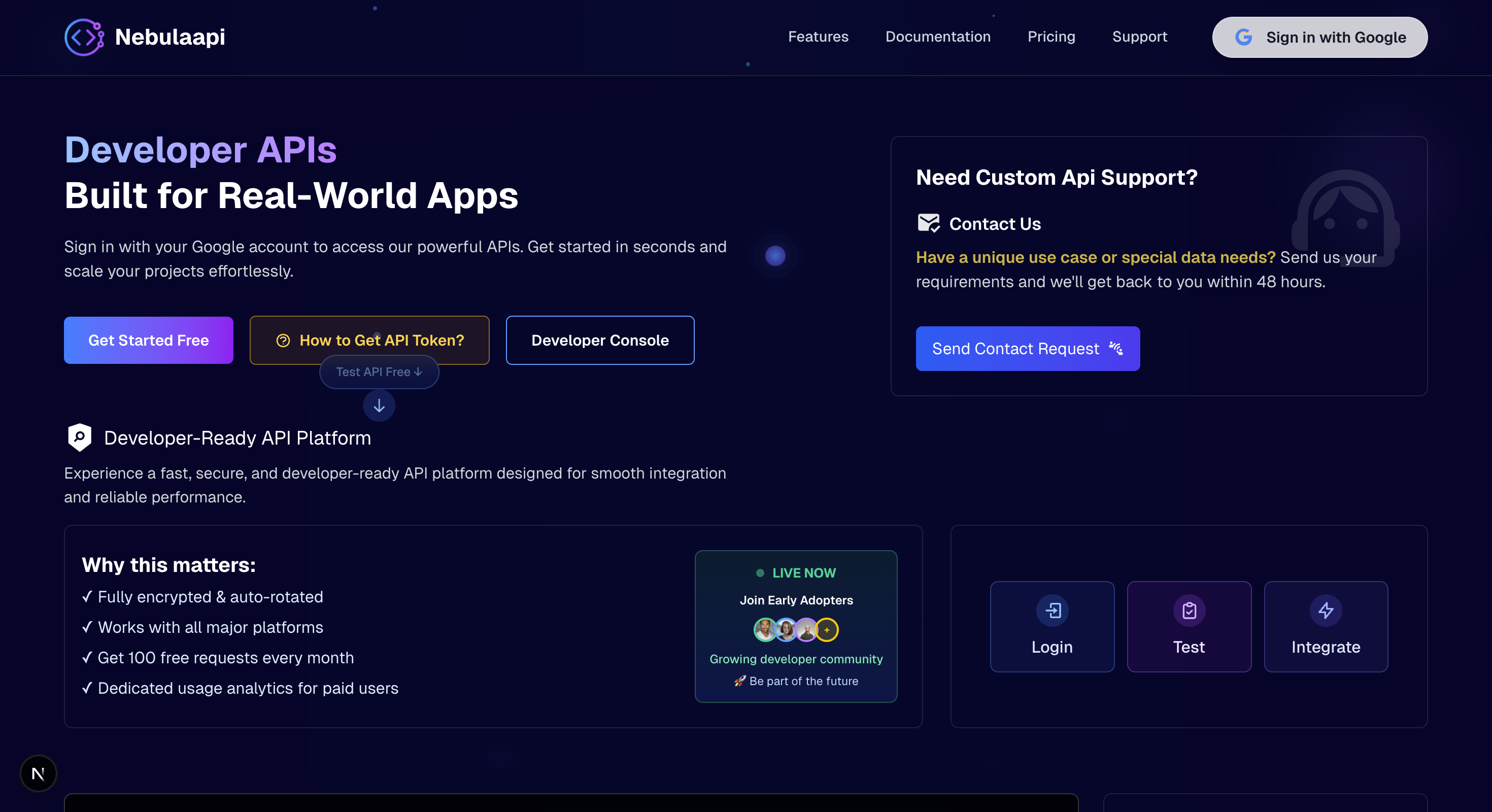
Login to NebulaAPI
Start by signing in to your NebulaAPI account using your Google account. Click the "Get Started Free" button on the homepage to authenticate.
Tip: Use a valid Google account for authentication. This will be your primary account for accessing NebulaAPI services.
nebula_preview.png
Quick Step Checklist
- Login with Google Account
- Explore available endpoints in browser
- Select a plan in Pricing section
- Receive Console Credentials in your inbox
- Login to Console and set a secure password
- Generate a secret API Token from your dashboard
- Copy and store token in environment variables
- Include the token in your file conversion requests
Ready to Integrate?
Explore our built-in API catalogs, read comprehensive endpoint parameters, and start testing right in your dashboard today.